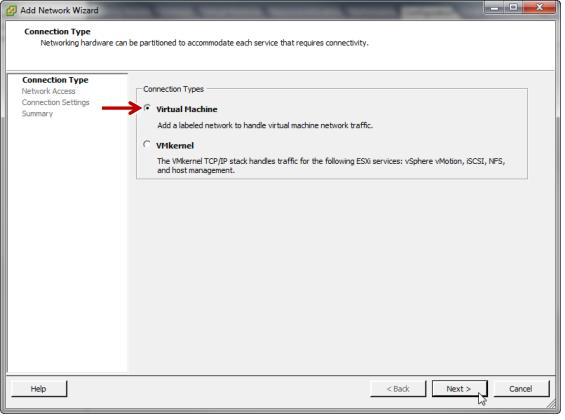
1. On the ESXi server’s networking configuration page, click
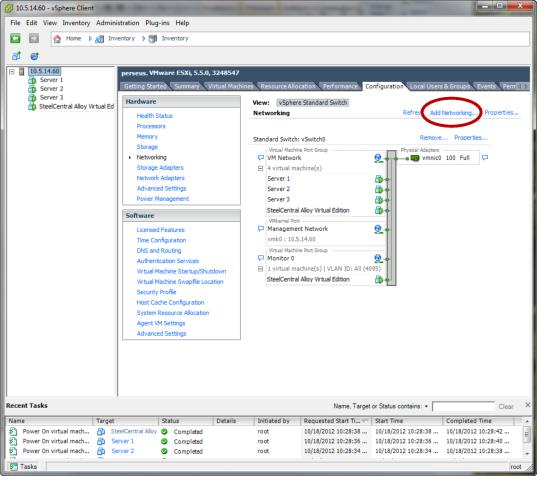
Add Networking….
3. Select
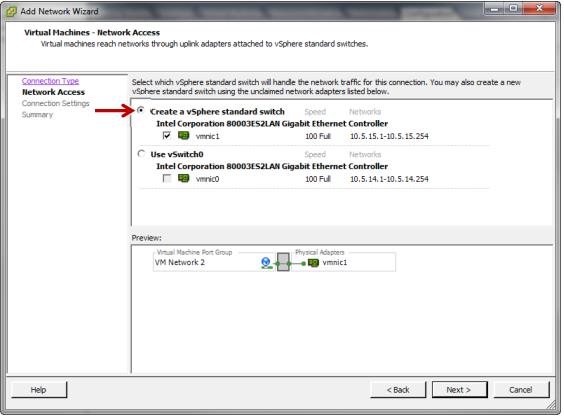
Create a vSphere standard switch. The
Preview pane at the bottom of the screen shows what the arrangement of port groups on the switch will be.
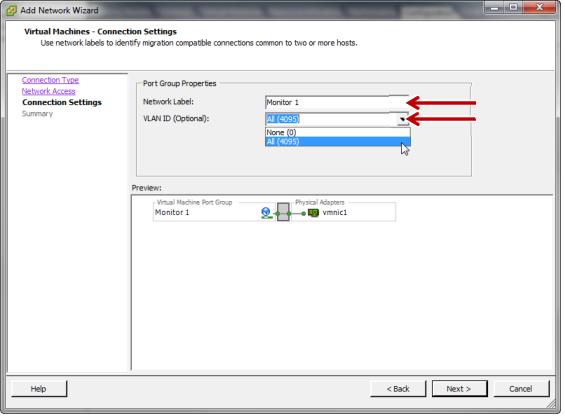
4. Enter a name for the port group in the
Network Label field. Select a
VLAN ID of
All (4095). This will allow the port group to see all tagged and untagged traffic on the switch.
5. On the
Ready to Complete page click
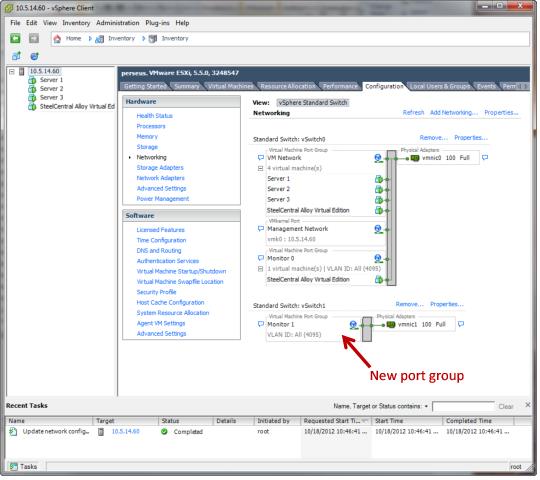
Finish. The new port group will be configured on vSwitch1 and the configuration will look like this: