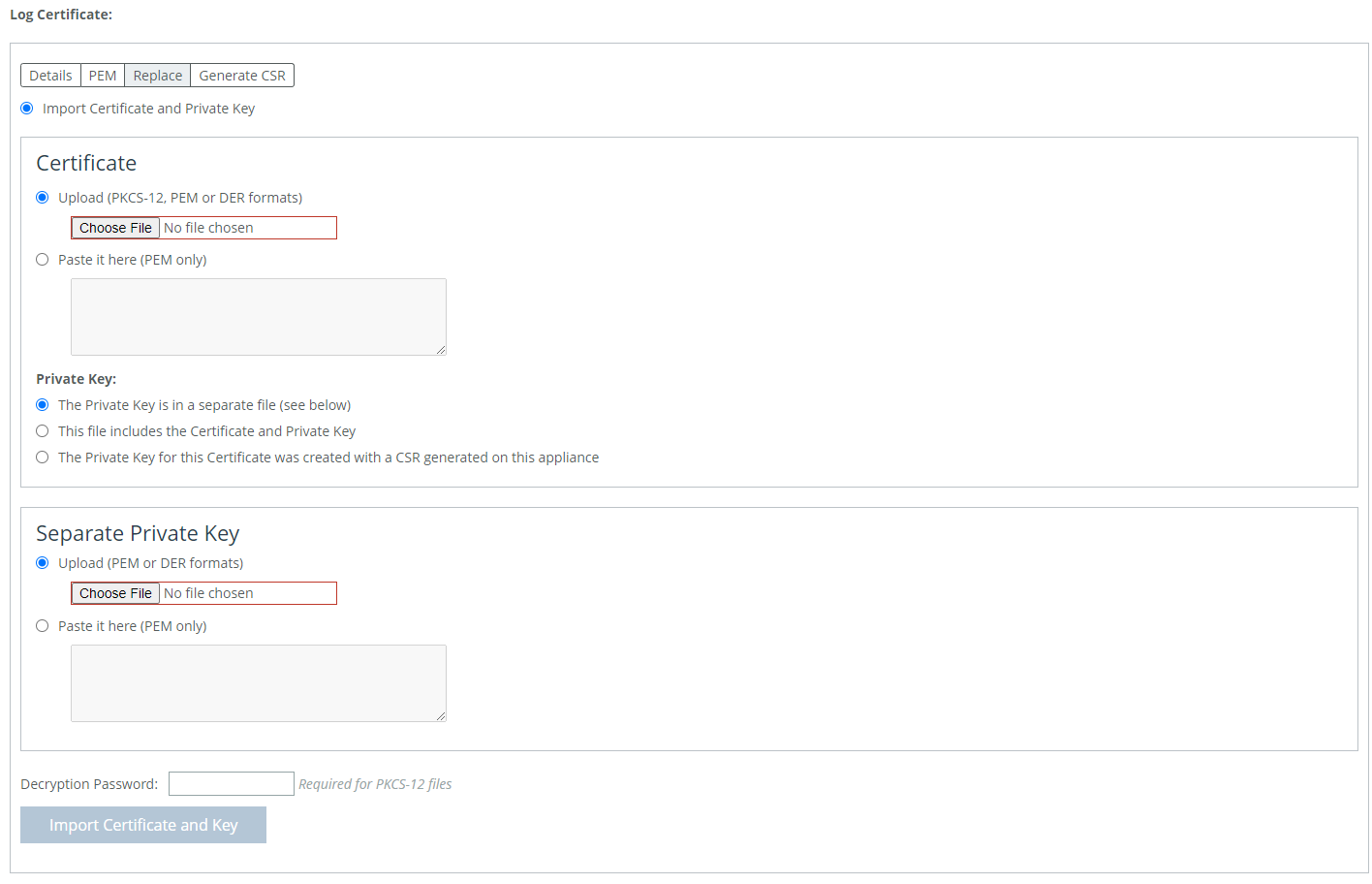
 Importing or replacing a log certificate
 Control | Description |
Minimum Severity | Select the minimum severity level for the system log messages. The log contains all messages with this severity level or higher. Select one of these levels from the drop-down list: • Emergency—Emergency, the system is unusable. • Alert—Action must be taken immediately. • Critical—Conditions that affect the functionality of the SteelHead. • Error—Conditions that probably affect the functionality of the SteelHead. • Warning—Conditions that could affect the functionality of the SteelHead, such as authentication failures. • Notice—Normal but significant conditions, such as a configuration change. • Info—Informational messages that provide general information about system operations. This control applies to the system log only. It does not apply to the user log. |
Maximum Number of Log Files | Specify the maximum number of logs to store. The default value is 10. |
Lines Per Log Page | Specify the number of lines per log page. The default value is 100. |
Rotate Based On | Select one of these rotation options: • Time—Select Day, Week, or Month from the drop-down list. • Disk Space—Specify how much disk space, in megabytes, the log uses before it rotates. The default value is 16 MB. The log file size is checked at ten-minute intervals. If there is an unusually large amount of logging activity, it is possible for a log file to grow larger than the set disk space limit in that period of time. |
Importing or replacing a log certificate Control | Description |
Add a New Log Server | Displays the controls to add new log servers. |
Server IP or Hostname | Specify the server IP address or hostname. The server can be an IPv4 or IPv6 address, or a hostname. |
Port | d |
Minimum Severity | Select the minimum severity level for the log messages. The log contains all messages with this severity level or higher. Select one of these levels from the drop-down list: • Emergency—Emergency, the system is unusable. • Alert—Action must be taken immediately. • Critical—Conditions that affect the functionality of the SteelHead Interceptor. • Error—Conditions that probably affect the functionality of the SteelHead Interceptor. • Warning—Conditions that could affect the functionality of the SteelHead Interceptor, such as authentication failures. • Notice—Normal but significant conditions, such as a configuration change. • Info—Informational messages that provide general information about system operations. |
Enable Secure Connection | Checking this box will enable the secure version of remote logging. To avoid an error, a log certificate for the secure remote log server must be installed before enabling this. |
Add | Adds the server to the list. |
Remove Selected | Select the check box next to the name, and then click Remove Selected. |
Control | Description |
Add a New Process Logging Filter | Displays the controls to add a process-level logging filter. |
Process | Select a process to include in the log from the drop-down list: • alarmd—Alarm Manager. • cmcfc—CMC Autoregistration Utility. • rgpd—CMC Connection Manager. • rgp—CMC Connector. • cli—command-line interface. • mgmtd—Device control and management, which directs the entire device management system. It handles message passing between various management daemons, managing system configuration and general application of system configuration on the hardware underneath through the hardware abstraction layer daemon (hald). • hald—Hardware abstraction layer daemon, which handles access to the hardware. • pm—Process Manager, which handles launching of internal system daemons and keeps them up and running. • sched—Process Scheduler, which handles one-time scheduled events. • statsd—Statistics Collector, which handles queries and storage of system statistics. • wdt—Watchdog Timer, the motherboard watchdog daemon. • webasd—Web Application Process, which handles the web user interface. |
Minimum Severity | Select the minimum severity level for the log messages. The log contains all messages with this severity level or higher. Select one of these levels from the drop-down list: • Emergency—Emergency, the system is unusable. • Alert—Action must be taken immediately. • Critical—Conditions that affect the functionality of the SteelHead Interceptor. • Error—Conditions that probably affect the functionality of the SteelHead Interceptor. • Warning—Conditions that could affect the functionality of the SteelHead Interceptor, such authentication failures. • Notice—Normal but significant conditions, such as a configuration change. • Info—Informational messages that provide general information about system operations. |
Add | Adds the filter to the list. The process now logs at the selected severity and higher level. |
Remove Selected | Select the check box next to the name and click Remove Selected to remove the filter. |