Removing or Reinstalling SteelCentral Packet Analyzer Plus
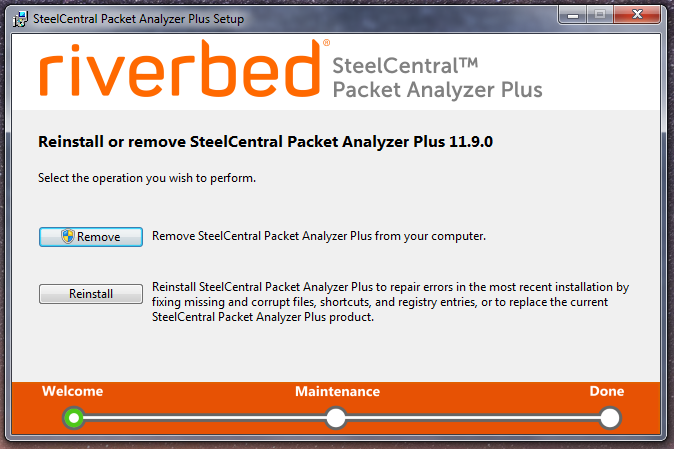
Once the software has been installed, use Windows Control Panel > Programs and Features to remove or reinstall the product, or re-run the installation wizard.
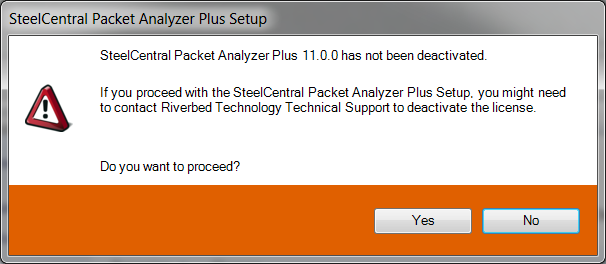
Administrator privileges are required to deactivate a product. If removal is initiated by a user without administrative privileges, they are asked to supply administrator credentials. The dialog below is displayed if the user declines to provided administrative privileges, and allows the user to interrupt the installation wizard.